Your first form
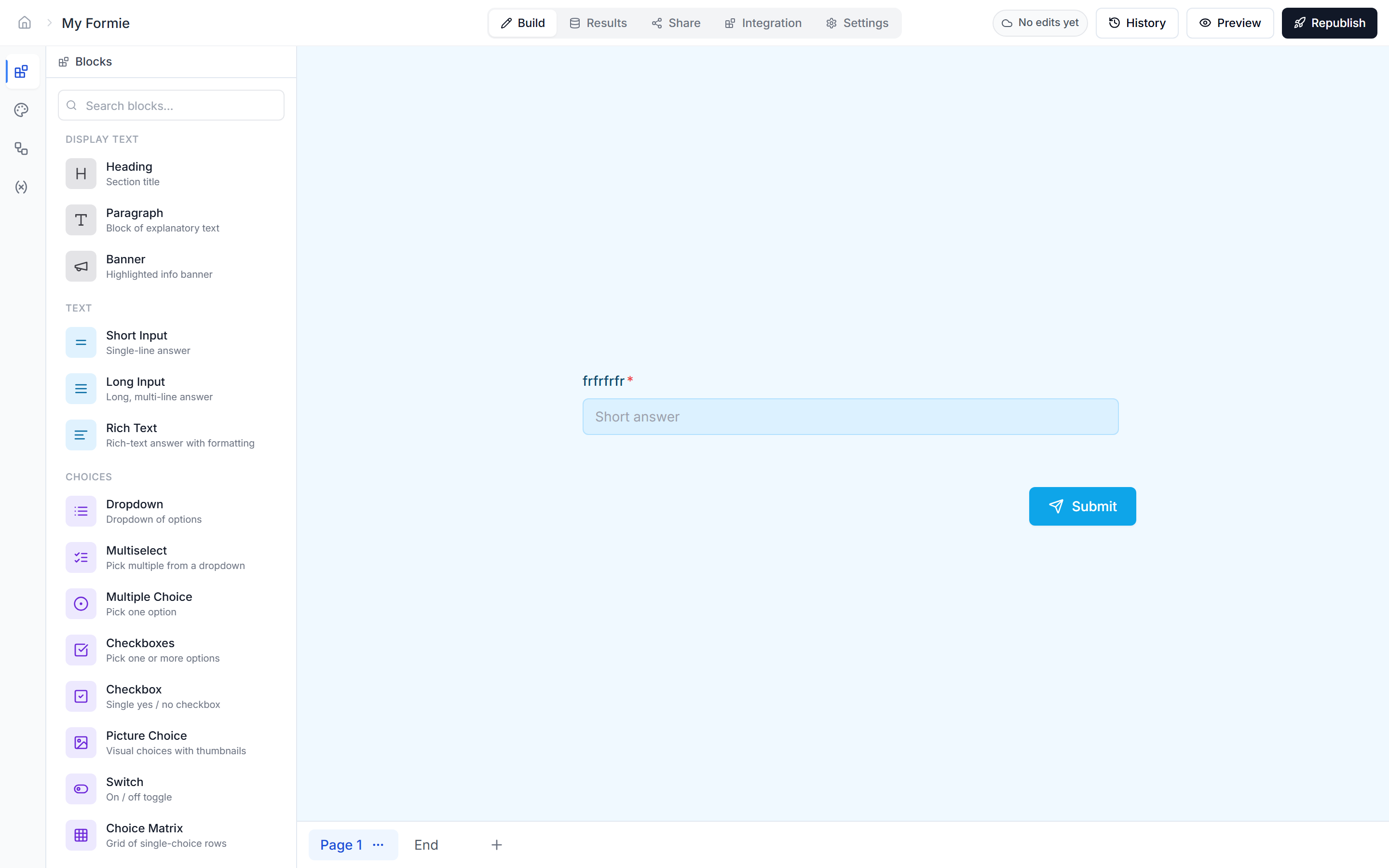
Drag a block onto the canvas#
Use the left rail to find a block (Short input, Email, Number, etc.) and drag it onto the canvas. Click it once it's there to open its properties panel on the right.
Edit the question label#
Click the label text directly on the canvas to edit it inline. The label panel supports @-mentions for variables, fields and dates.
Preview as a respondent#
Click the eye icon in the top bar to open the form in preview mode. Filling it in there does not create real submissions until you publish.