Integrations overview
A catalog of everything you can connect Halloform to, and how each connection works.
How integrations work#
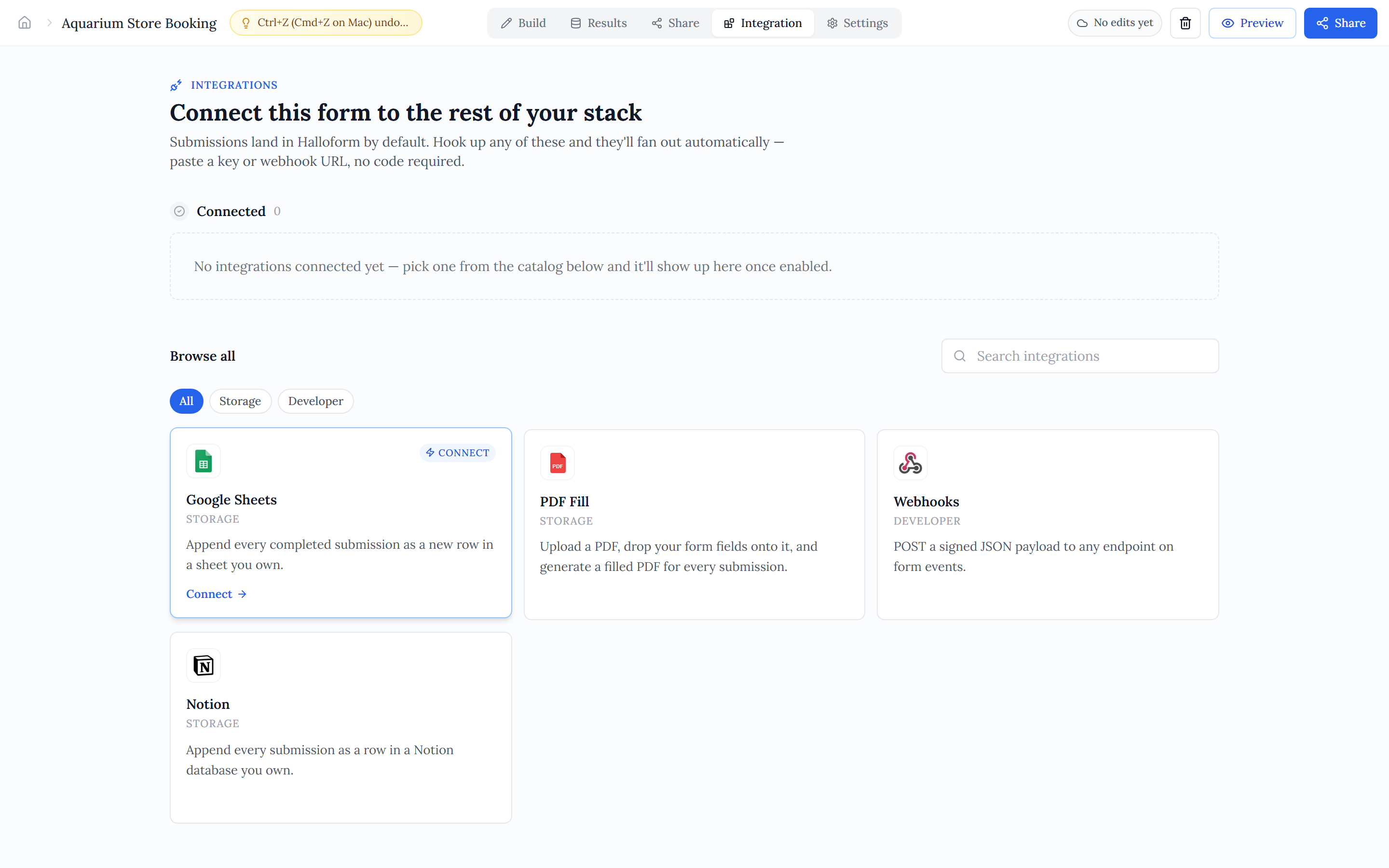
Integrations live on a form. When a respondent completes it, Halloform fans that submission out to every enabled integration at once — each runs independently, so one bad endpoint can't take the others down. You can connect several to the same form and they all fire on every completed submission.
Open a form's Integrations tab to browse the catalog, add a connector, and see the status of the ones you've already wired up.
Ways to connect#
- OAuth apps — you authorize Halloform once on the provider's consent screen, then pick a destination. Google Sheets, Notion, Google Calendar, and Stripe connect this way.
- Webhooks — POST a signed JSON payload to your own endpoint on every form event, so you can wire submissions into your own systems (or tools like Make and n8n).
- PDF Fill — a bespoke editor: upload a PDF and drop your fields onto it to generate a filled document per submission.
- Payments — the Stripe Payment block collects card payments on the form, paid out to your own connected Stripe account.
The catalog#
- Google Sheets — append every submission as a new row in a spreadsheet.
- Google Calendar — create a calendar event per submission.
- Notion — add a page to a Notion database, mapped to your fields.
- Webhooks — POST each submission to your own HTTPS endpoint.
- Stripe payments — collect card payments on the form, paid to your own Stripe account.
- PDF Fill — generate a filled-in PDF from every response.