AI form builder
Describe the form you want in plain language and let Halloform build the pages and fields for you.
How it works#
Type a description of the form you need and Halloform generates a real, editable form — pages, questions, field types, and options — in seconds. It previews inline so you can look it over before creating it, then materialises into a workspace and opens in the editor.
Where to start#
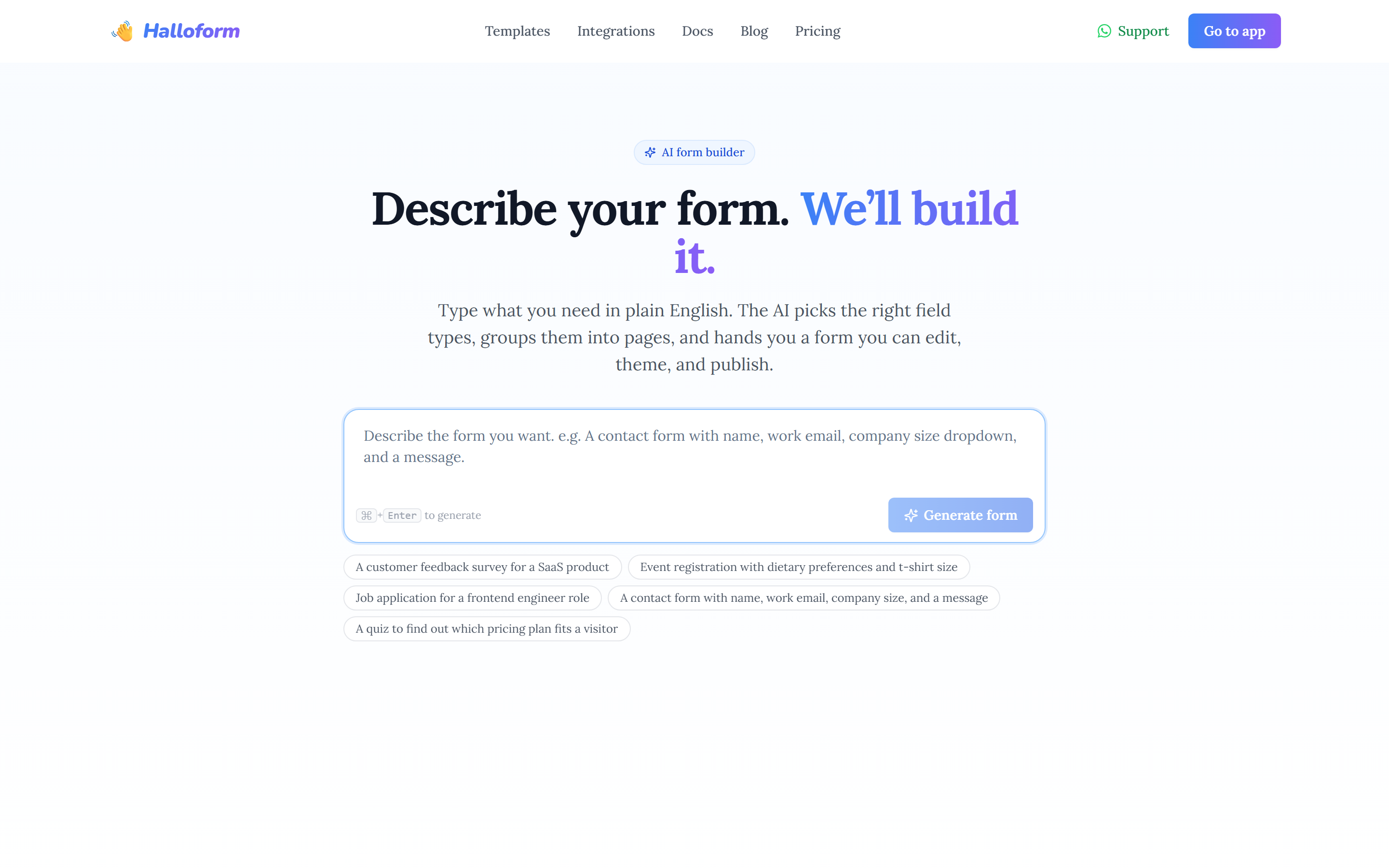
- The AI form builder landing page at /ai-form-builder.
- The hero prompt box on the Halloform home page.
- The "Create with AI" button on your dashboard or inside a workspace.
Writing a good prompt#
Be specific about the questions and field types you want — the more detail you give, the closer the result. For example: "A contact form with name, work email, company size dropdown, and a message."
The builder can produce a wide range of blocks — headings, short and long text, email, number, phone, link, single-select, checkboxes, dropdowns, picture choice, rating, slider, opinion scale, yes/no switch, file upload, date, time, date range, address, country picker, and signature.
Edit after generating#
AI generation is a starting point, not a lock-in. Once the form opens in the editor it's fully yours — reorder and rename fields, add pages, apply a theme, wire up logic and integrations, then publish like any other form.