Introduction
What Halloform is, what you can build with it, and where to go next.
What is Halloform?#
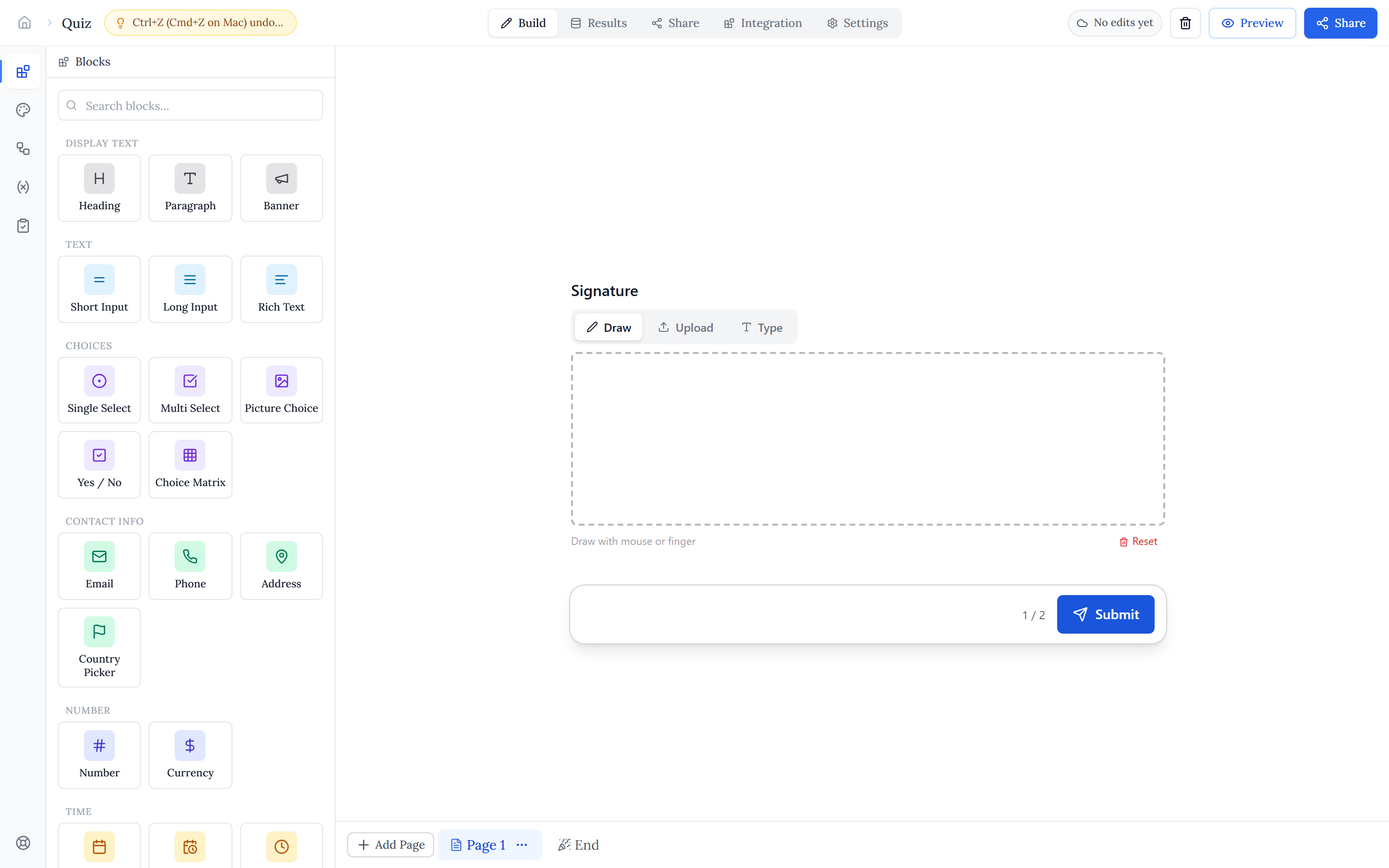
Halloform is a form builder for creating surveys, quizzes, order forms, applications, and booking pages — no code required. You design a form on a drag-and-drop canvas, publish it to a shareable link (or your own domain), and watch responses and analytics roll in.
Every change autosaves as you work, and a live preview shows exactly what respondents will see. When your draft is ready, one click publishes it.
Who it is for#
Halloform suits anyone who needs to collect structured information — marketers running lead-gen and feedback surveys, teams taking registrations and applications, educators building graded quizzes, and small businesses selling products or taking bookings and payments online.
What you can build#
- A drag-and-drop editor with a live respondent preview.
- 25+ field types — text, choices, ratings, file upload, signature, address, payment, and more.
- Conditional logic — show or hide fields, make them required, and jump between pages based on answers.
- Variables and formulas — track scores and totals and compute values as people answer.
- Quizzes — score answers and show respondents a result.
- Themes and custom CSS — colors, fonts, layouts, logos, and full style control.
- Scheduling and booking pages, plus Stripe payments and a simple storefront.
- Integrations — Google Sheets, Google Calendar, Notion, webhooks, Stripe, and PDF Fill.
- Analytics — completion rates, drop-off funnels, and device breakdowns.
- Custom domains and an AI form builder that drafts a form from a text prompt.
Where to go next#
The fastest way to start is from a template — the gallery has thousands of ready-made forms organised by category, each previewable live and usable in one click. Or start from a blank canvas and build up.

New here? Start with Quick start to go from sign-up to a live form, then Your first form for a guided walkthrough. To learn the editor, read Blocks, Pages & flow, and Themes. When you are ready for dynamic forms, see Variables and Conditional logic.