Conditional logic
Show or hide fields, make them required, and route respondents based on their answers.
What conditional logic does#
Conditional logic makes a form react to answers. You can reveal a follow-up question only when it is relevant, require a field only in certain cases, and send respondents down different paths — so one form adapts to each person instead of showing everyone everything.
Show & hide fields#
Select an input and open Visibility in its property panel. Pick one of four modes: Always visible, Always hidden, Visible only when a condition matches, or Hidden when a condition matches. The last two open a condition builder. The mode sets the default; the condition names the exception.
Required-if#
Required works the same way. Set a field to Never required, Always required, or required only when a condition matches. Visibility and Required are independent — a field can be always visible but required only when, say, the order total is above a threshold.
Conditions & operators#
A condition compares a field (or variable) against a value using an operator. The operators offered adapt to the field type — a number field gets greater-than / less-than, a choice field gets is / is not, and so on. Available operators include:
- is equal to / is not equal to
- is greater than / is less than / is at least / is at most (numbers and dates)
- includes / does not include (multi-choice and text)
- is empty / is not empty
Conditions can be combined into groups with AND / OR, and groups can nest, so you can express rules like "when Plan is Pro AND (Seats is at least 5 OR Add-on is checked)".
Page jumps & branching#
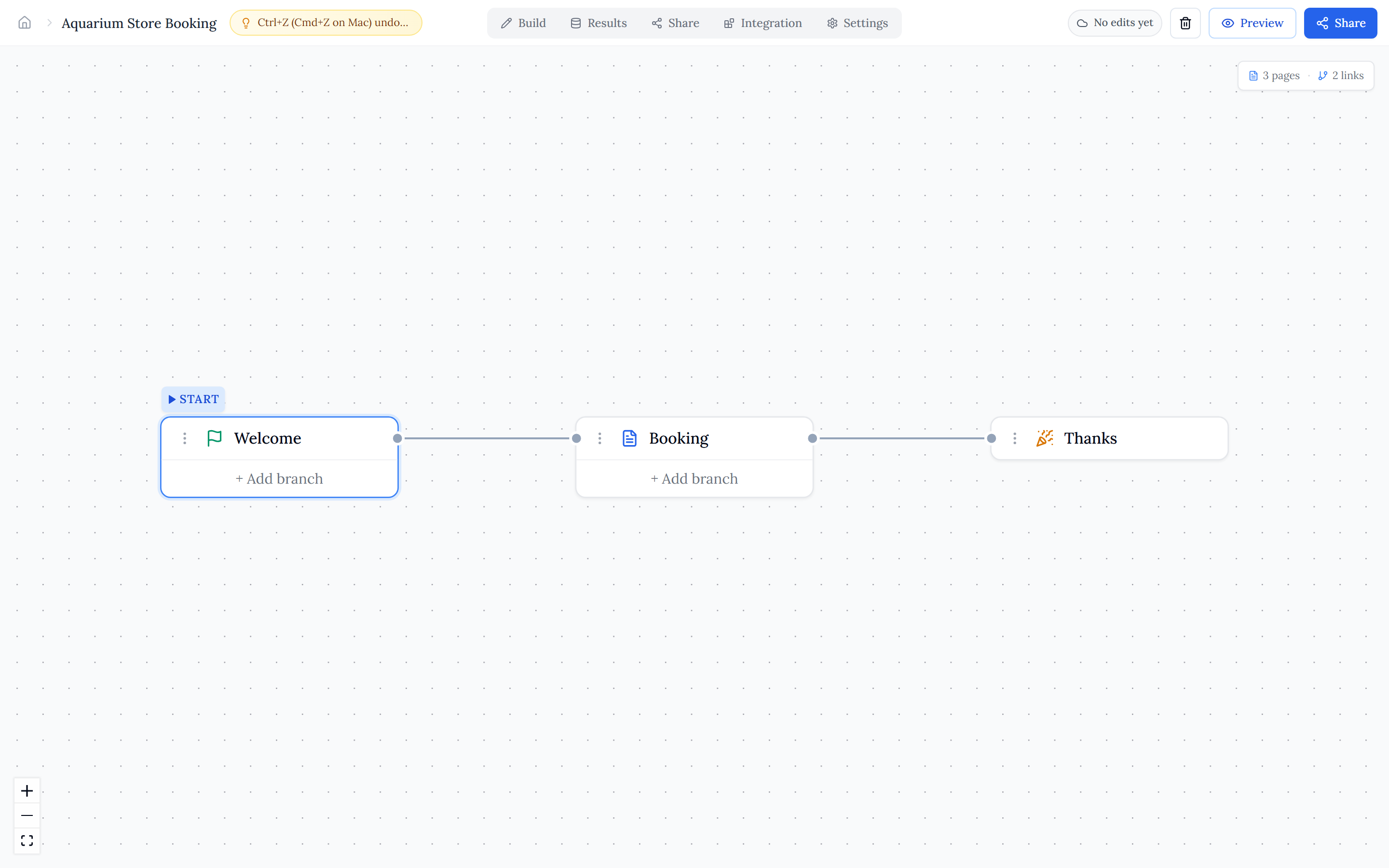
In the Page Logic graph, each page has branch handles for conditional jumps. Branches are checked in order and the first matching one wins; if none match, the respondent follows the page's default next. This is how you build branching and quiz-style paths that end on different pages depending on the answers.
How rules are evaluated#
All logic runs live as respondents type. Variables are resolved first, in dependency order, so any condition that reads a variable sees its current value; then field visibility, required-if, and page jumps are evaluated against the latest answers. A condition you have not finished configuring is treated as "no constraint" and simply does nothing until it is complete.