Variables
Track hidden and calculated values across a form and reuse them in labels and logic.
What are variables?#
A variable is a running value the form tracks behind the scenes — a total, a score, or a computed piece of text. Variables are never shown as questions; you decide where they appear. Each variable is typed as either a number or text.
Create a variable#
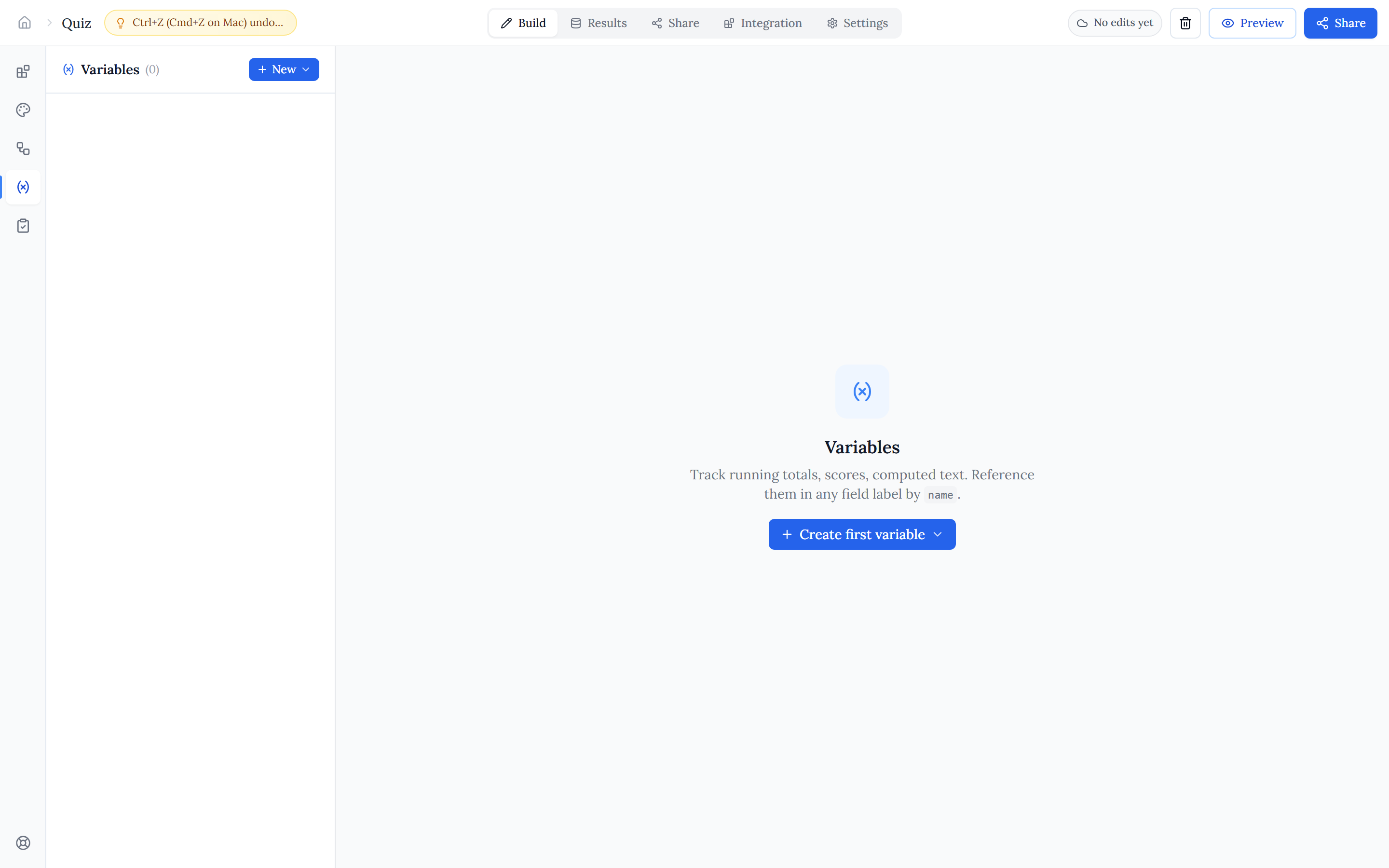
Open the Variables tab in the left rail. Give the variable a name (letters, numbers, and underscores) and an initial value. Then add an ordered list of rules that update it as people answer — each rule has an optional condition gate and an action that changes the value.
A rule's action applies an operator to a source. The source can be a field's answer, another variable, or a constant you type — so a variable can accumulate answers, copy a value, or combine several.
Reference fields & variables#
Anywhere a rule (or a label) needs a value, you pick it from a reference picker that lists your Fields, Variables, and declared URL parameters. References are stored by a stable id, so they keep working even after you duplicate a form.
Use variables in labels & logic#
Type @ in any label to mention a variable — its live value is substituted as the respondent fills the form, so you can write things like "Your score is @score". Variables can also be used on either side of a condition in Conditional logic and page jumps, letting a computed value drive what shows or where the form goes next.
URL parameters#
Declare URL parameters under Settings, then pass them on the form link (for example ?plan=pro). A declared parameter becomes available in the reference picker and in @-mentions, so you can feed values from the link straight into labels and variables to personalize a form.
How variables are calculated#
Halloform sorts variables by dependency, so anything a variable references is always evaluated first and reads an up-to-date value. If you accidentally build a loop (two variables that reference each other), the affected variables are flagged so you can untangle it.