Quick start
Get from sign-up to a live form in five minutes.
1. Sign up#
Create an account from the landing page. Email + password is enough — you can switch to Google later if you want SSO.
2. Create your first form#
From your dashboard, click "Create form". Start from a blank form — one input page and an end page, already wired together — or pick a ready-made template and make it yours.
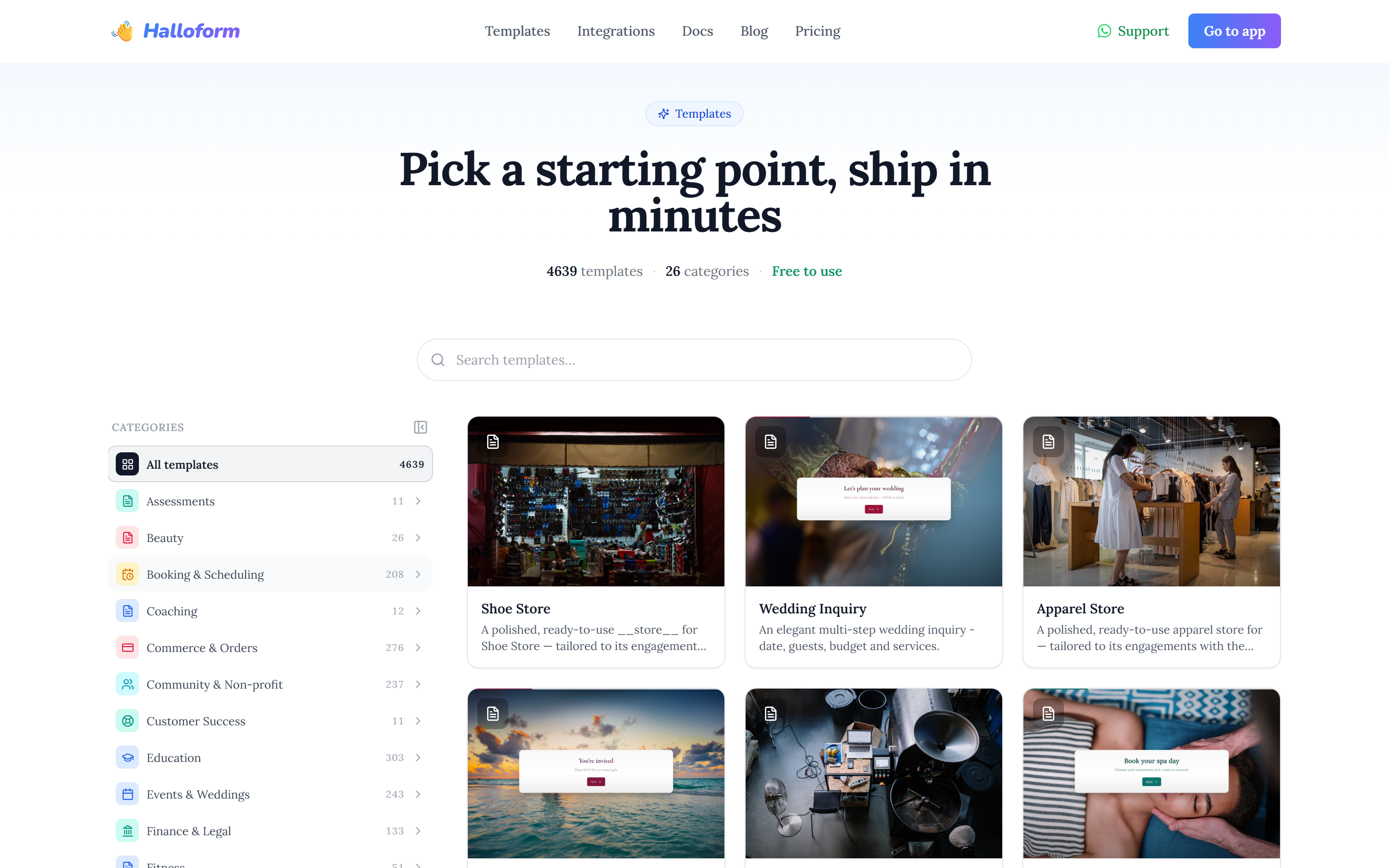
The Templates gallery is organised into categories (Commerce & Orders, Booking & Scheduling, HR & Recruiting, Education, Health & Wellness, and more) with a live search. Preview any template, then use it in one click — it's copied into your workspace ready to edit.
The editor autosaves every change about a second after you stop typing. There's no Save button to look for.
3. Publish#
When you're ready, click Publish in the top-right of the editor. You'll get a card with the live URL, a QR code, and an Open form button.